Data Analysis Using Microsoft Power BI
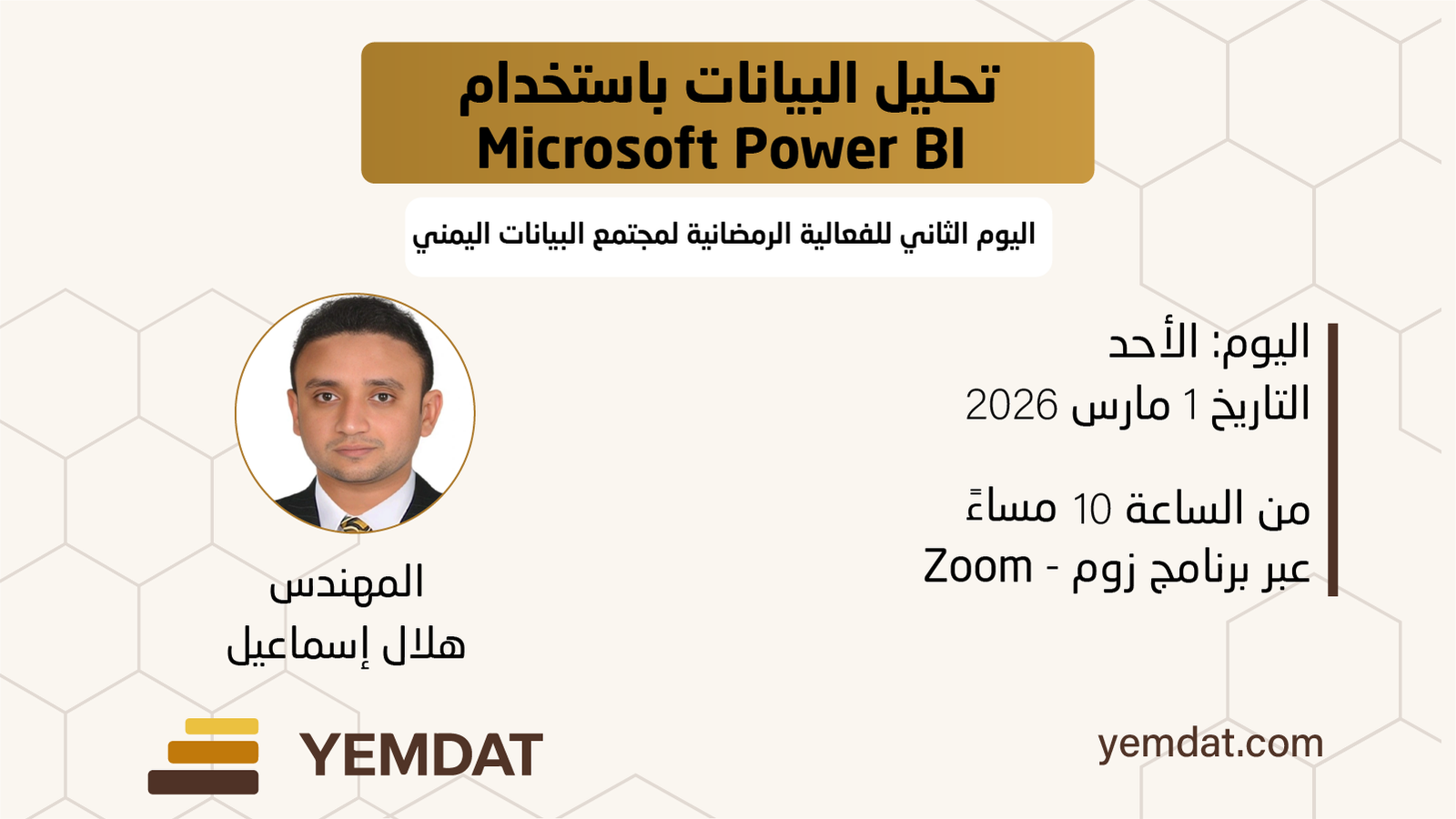
Event Details
This session provides a practical introduction to data analysis using Microsoft Power BI, with real-world application datasets.
Participants will explore:
- Foundations of data analysis and the Power BI environment, including importing data from Excel
- Data cleaning using Power Query and building key metrics using DAX
- Designing an interactive report and interpreting results to support data-driven decisions
The session combines conceptual understanding with practical application, offering attendees a structured and hands-on perspective on modern business intelligence practices.
Please prepare the following requirements before the course start date:
1️⃣ click here to Download Power BI Desktop from the official link:
2️⃣ click here to Watch the explanation of how to download and install it:
3️⃣ click here Download the course data from the following link and save it on your device:
📌 It is preferable to download the data file in Excel format.
📌 Please make sure the program is installed and running before the course begins.